

Help with Vialtally
Email josh@kovus.dev with your app version, iOS or iPadOS version, iPhone or iPad model, the action that failed and the error message.
Do not send private logs, compound names, amounts, vial details, notes, exports, screenshots of private data or payment-card details.
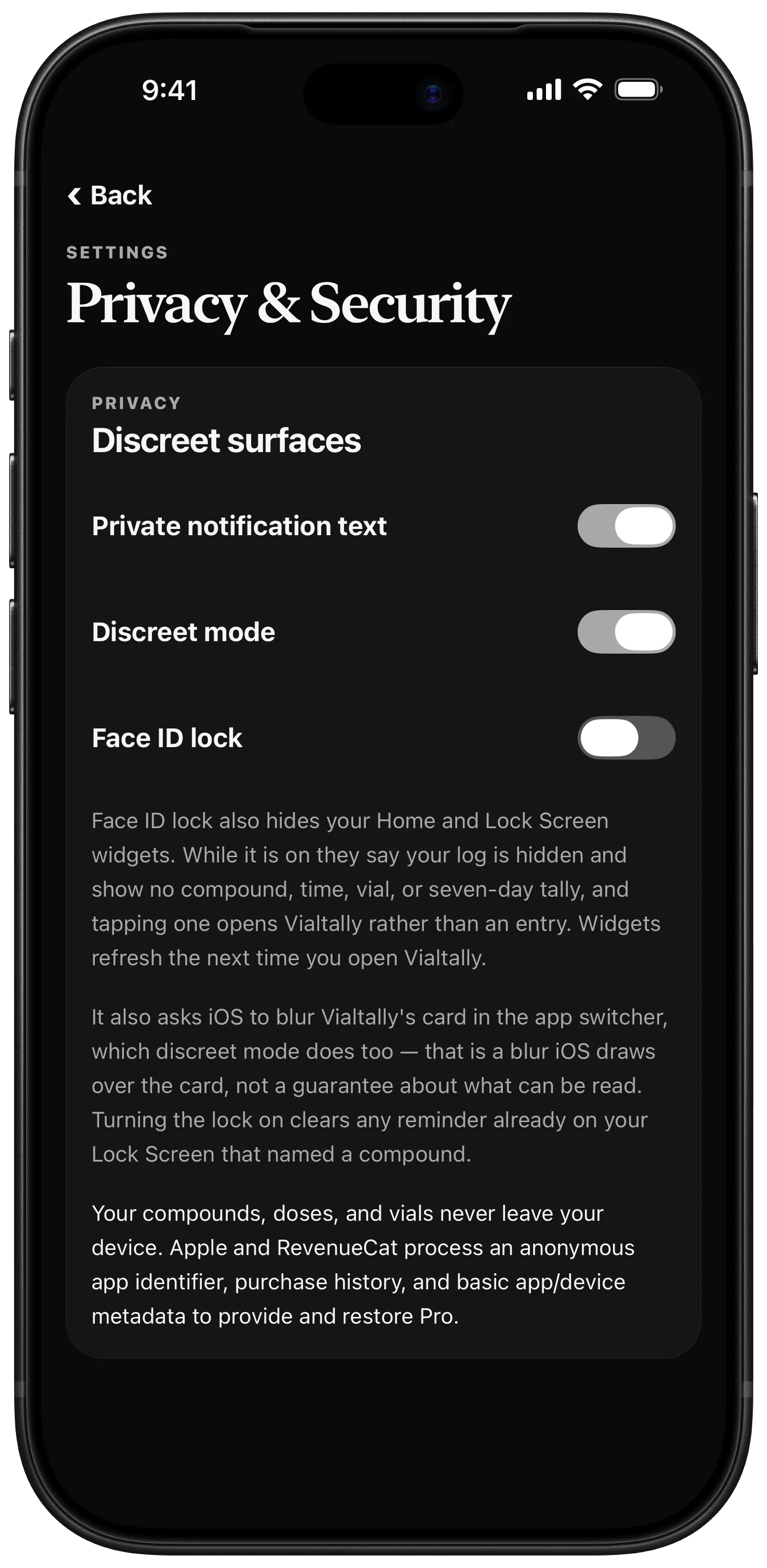
Your compounds, doses, and vials never leave your device. Apple and RevenueCat process an anonymous app identifier, purchase history, and basic app/device metadata to provide and restore Pro.
Restore purchases
On the paywall or in Vialtally Settings, choose Restore purchases. Use the same Apple Account you used for the purchase.
A message you may see
- Couldn't restore purchases. Check your App Store sign-in, then try again.
Manage your subscription
In Vialtally Settings, choose Manage or cancel, then Continue to Apple subscriptions. Or open iPhone or iPad Settings, tap your Apple Account name, then Subscriptions and Vialtally. Follow Apple's cancellation steps.
Subscriptions renew automatically unless cancelled at least 24 hours before the current period ends. Manage or cancel in Apple subscriptions.
If you already subscribe and buy Lifetime, cancel your subscription in Apple subscriptions. Buying Lifetime does not cancel it for you.
Privacy and purchase details
Core tracking works without a purchase: up to two tracked compounds, logging and editing entries, schedules, local reminders, full history and data export. Pro adds unlimited tracked compounds, progress analytics, site history, widgets and Log summary reports (CSV and PDF). If Apple confirms eligibility and displays the offer, Annual may include a 7-day free trial. Monthly and Lifetime have no trial. Before confirmation, the app shows the full annual renewal price and billing period.
Cancel at least 24 hours before the trial ends to avoid being charged. Auto-renews yearly until cancelled.
A message you may see
- Trial eligibility is unavailable. Retry to check this offer.
Purchase troubleshooting
Messages you may see
- Couldn't confirm App Store access. Check your connection and retry, or restore purchases.
- Pricing is unavailable right now. Retry, or restore an existing purchase.
- This offer is unavailable. Retry or choose another plan.
Reminders
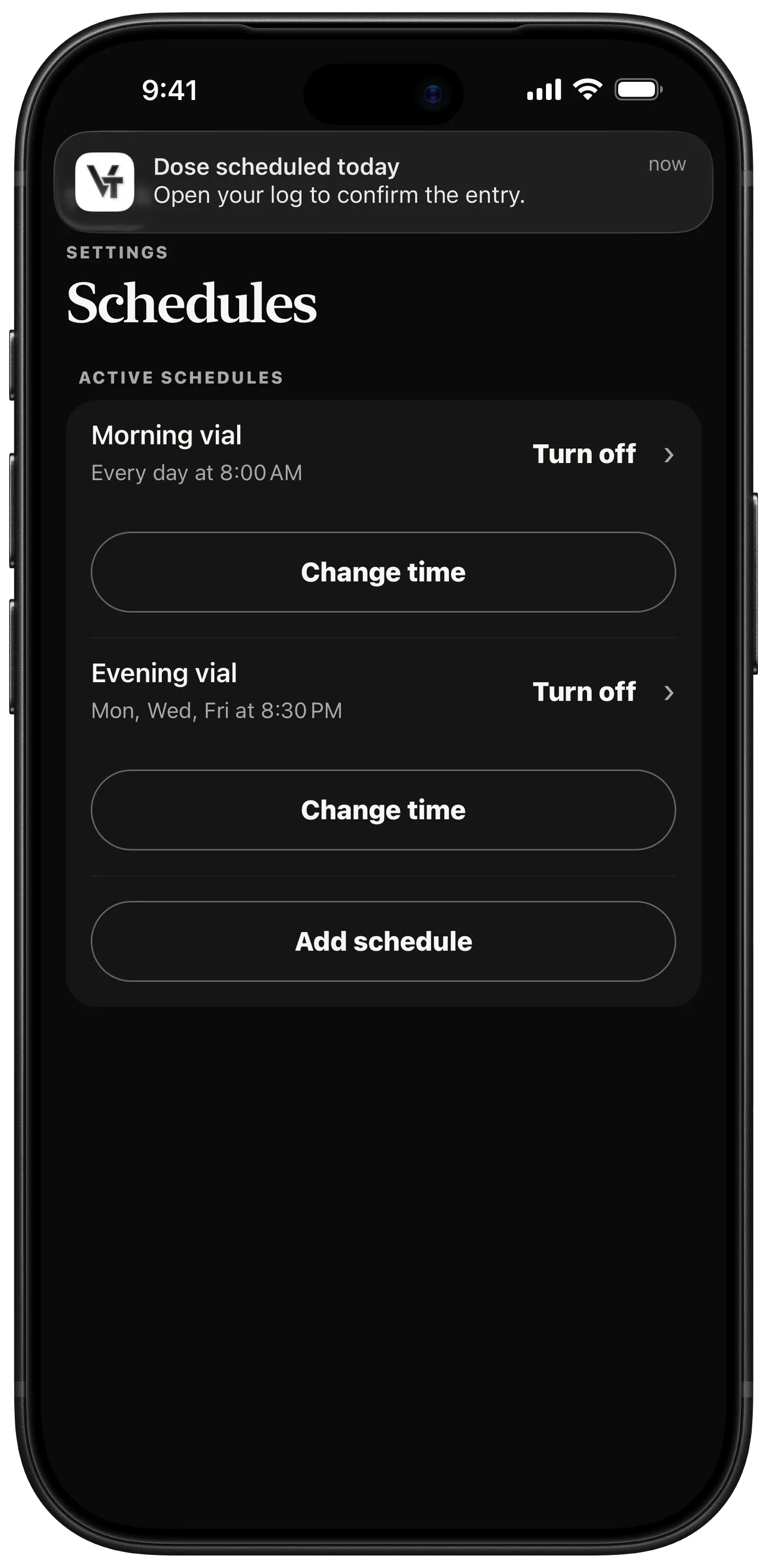
Once you turn reminders on, they follow the cadence you entered and are scheduled on this device.
Messages you may see
- Notification permission was not granted. Open the iPhone or iPad Settings app, allow notifications for Vialtally, then turn this on again.
- Reminders may not be up to date. iOS only prompts for permission once. Open Settings to check or grant it.
Export and import
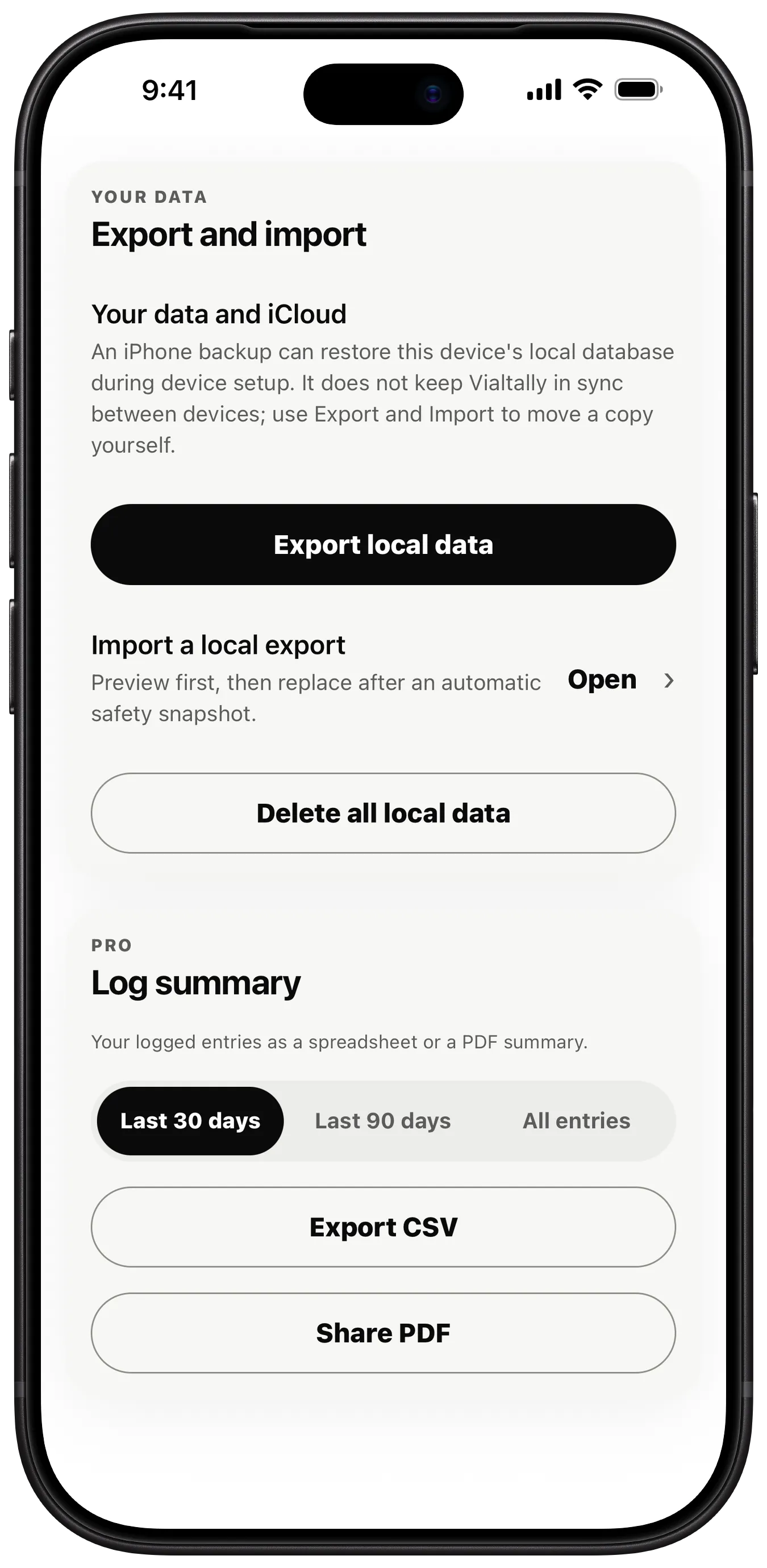
In Vialtally Settings, use Export local data to save a copy and Import a local export to preview a saved export before replacing local data. Keep a copy outside the app before deleting it.
An iPhone or iPad backup can restore this device's local database during device setup. It does not keep Vialtally in sync between devices; use Export and Import to move a copy yourself.
Import replaces the current local database. Before replacement, the app automatically writes a safety snapshot of what you have now.
App language
To change the app language, open iPhone or iPad Settings, find Vialtally and select an available app language. Reopen Vialtally. Your saved labels and records are not translated.
Other languages
Support in other languages is at kovus.dev/vialtally/support.
Not medical advice
This app is a log, tracker, and reminder. It does not provide medical advice or recommend an amount or schedule. Check with a healthcare professional before making medical decisions.
Read the privacy policy and terms of use.