
What Vialtally does.
A log, tracker and reminder built around your own entries. Your labels, your units and your schedule; the app supplies none of them.

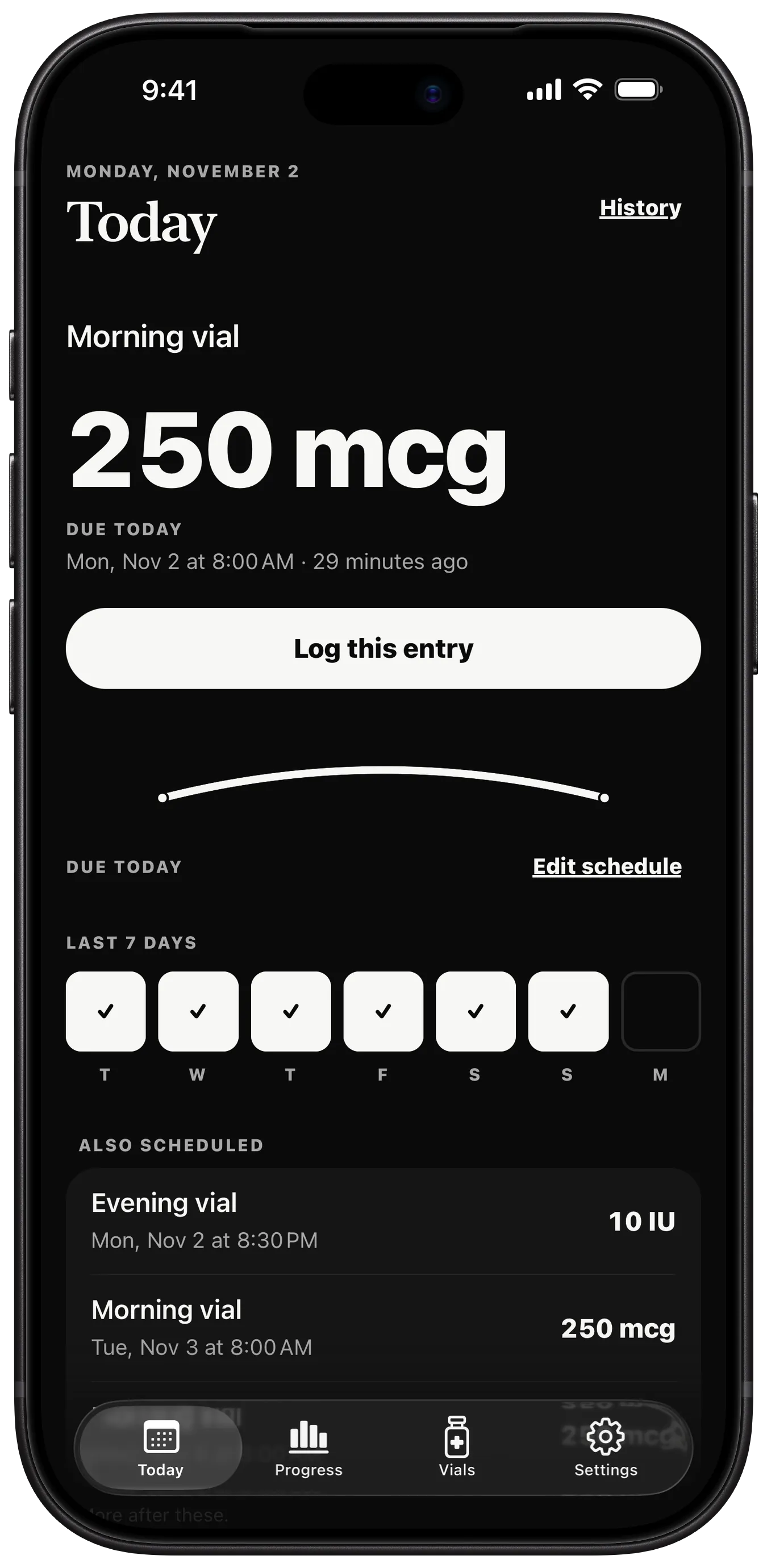
Example entries. No amount is recommended.
Today, at a glance.
Open the app to what's due: the label, the amount you set and the time, with one button to log it.
- A row for the last seven days, ticked as you log
- Everything else scheduled, with its time and amount
- A tab bar for Today, Progress, Vials and Settings
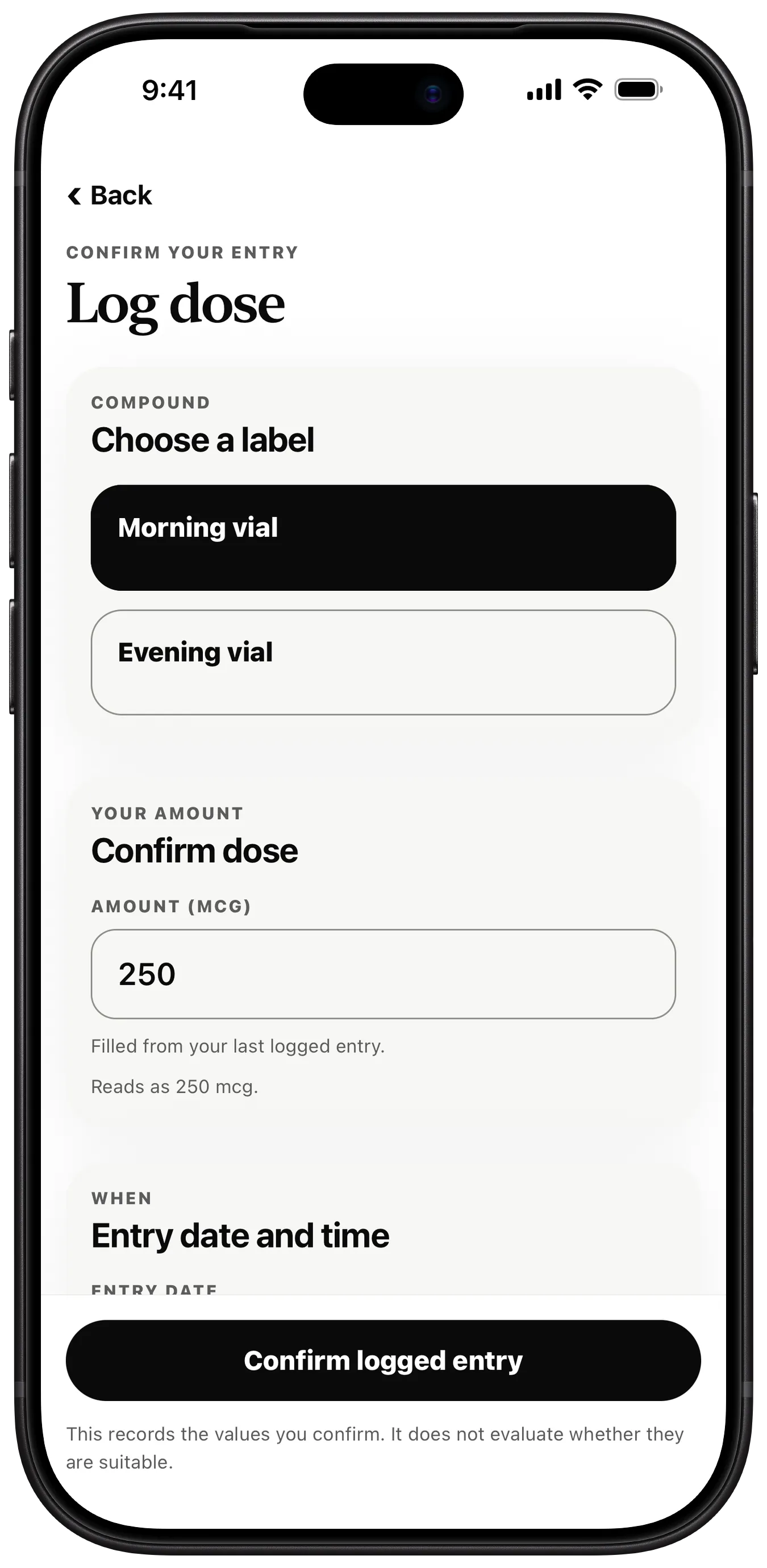
Log an entry.
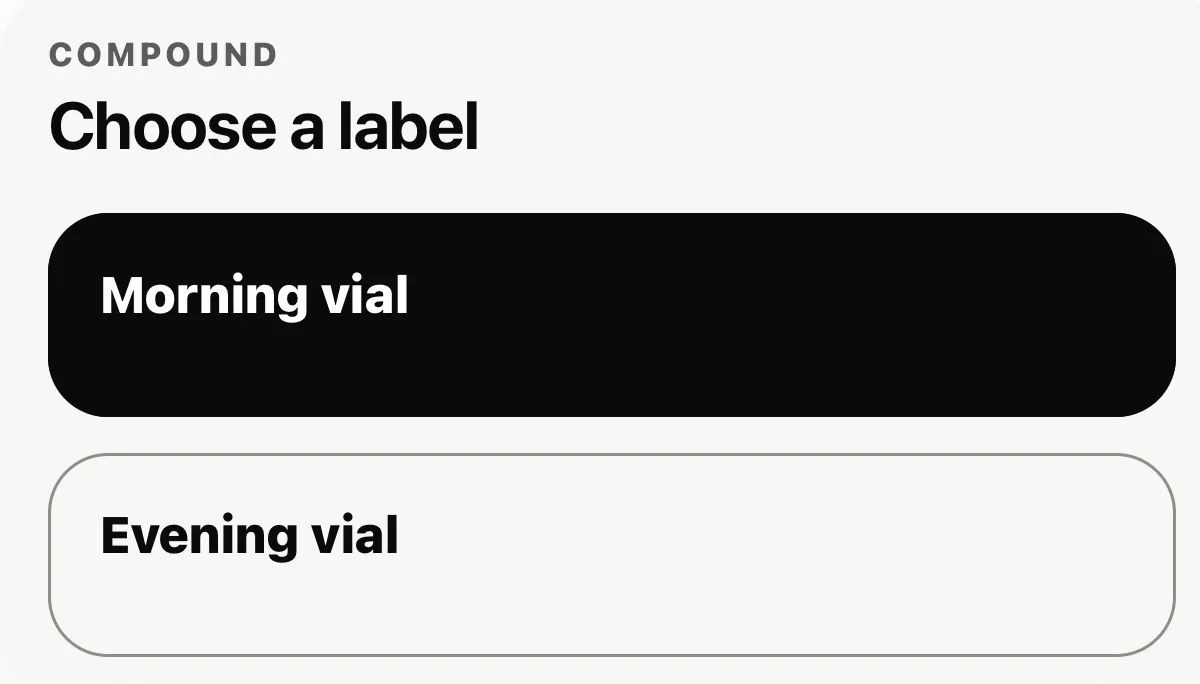
Choose one of your labels, confirm the amount, then set the date and time. Add a site and a private note if you want them.
- Labels and units are yours; the app comes with none
- The amount is filled from your last logged entry, ready to change
- Edit any entry in place later
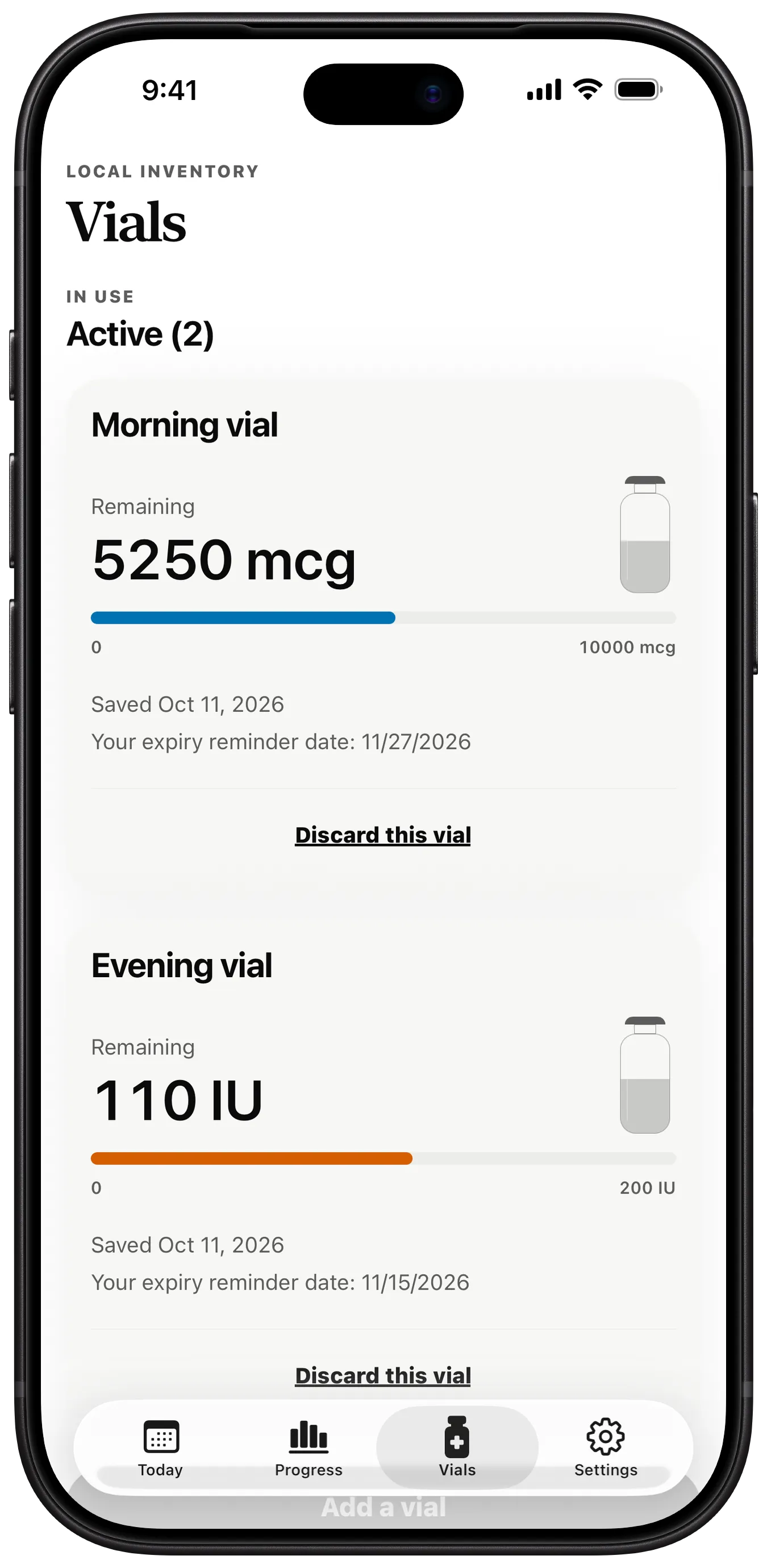
Example entries. No amount is recommended.
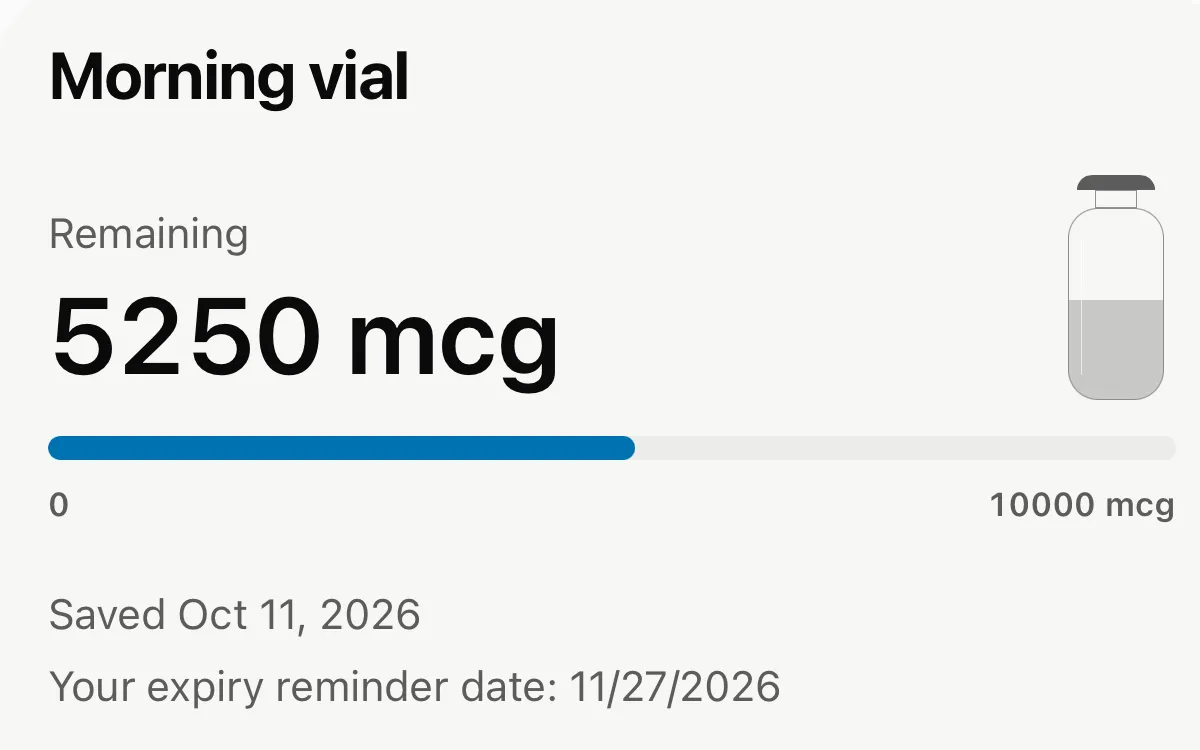
Track each vial.
Save a vial's amount, and its remaining balance goes down as you log entries against it.
- A bar for what is left in each active vial
- An expiry reminder date on each vial
- Discard a vial when it is done, or log without subtracting
Reminders on your schedule.
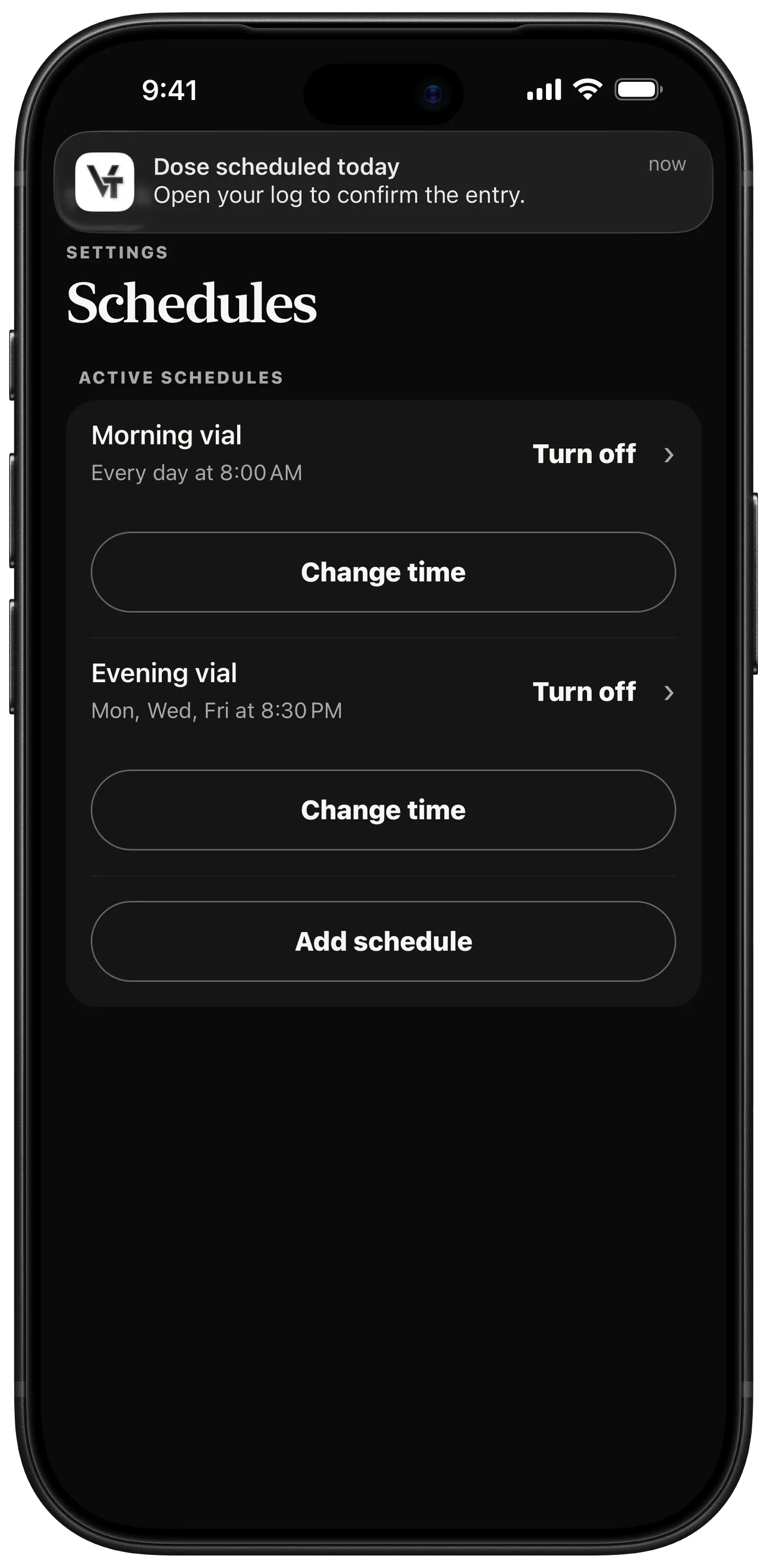
Build a schedule from your own entries: weekly, every few days, on chosen weekdays, or in on and off cycles.
- Scheduled on the device itself, with no server involved
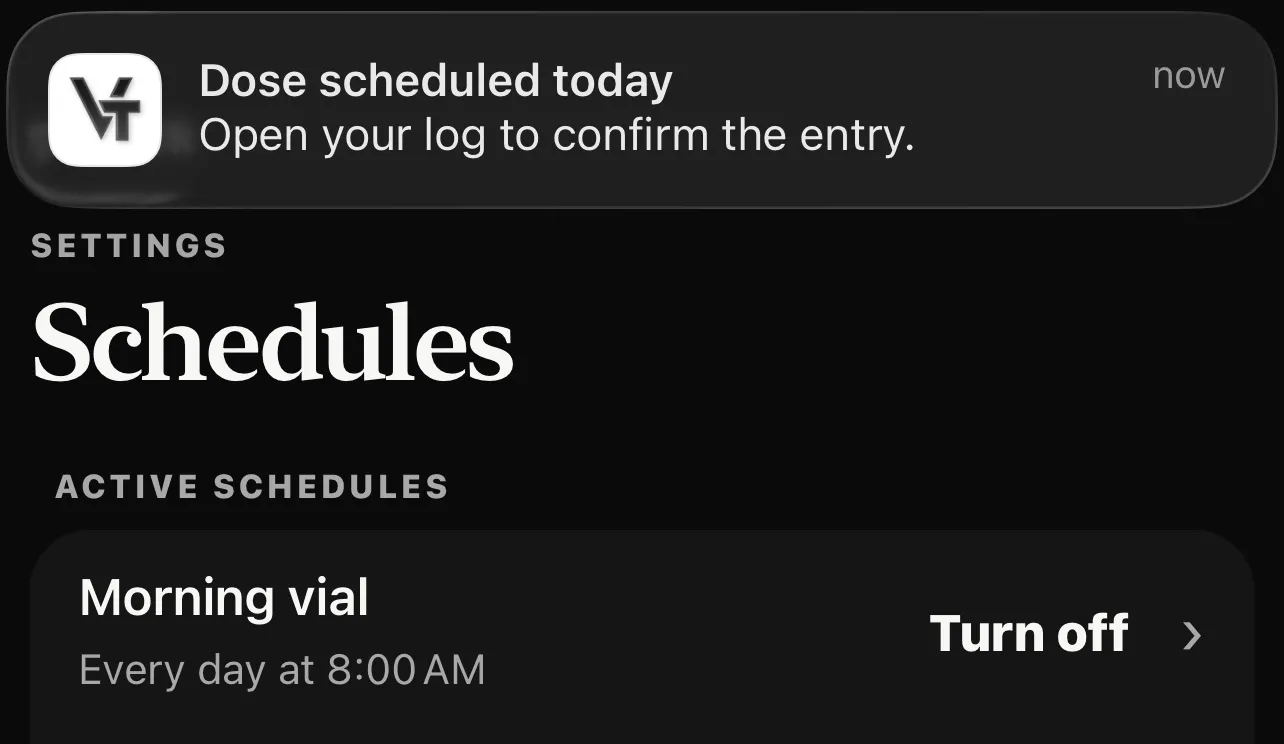
- Change the time or turn a schedule off from Settings
- Lock Screen text stays private unless you change it
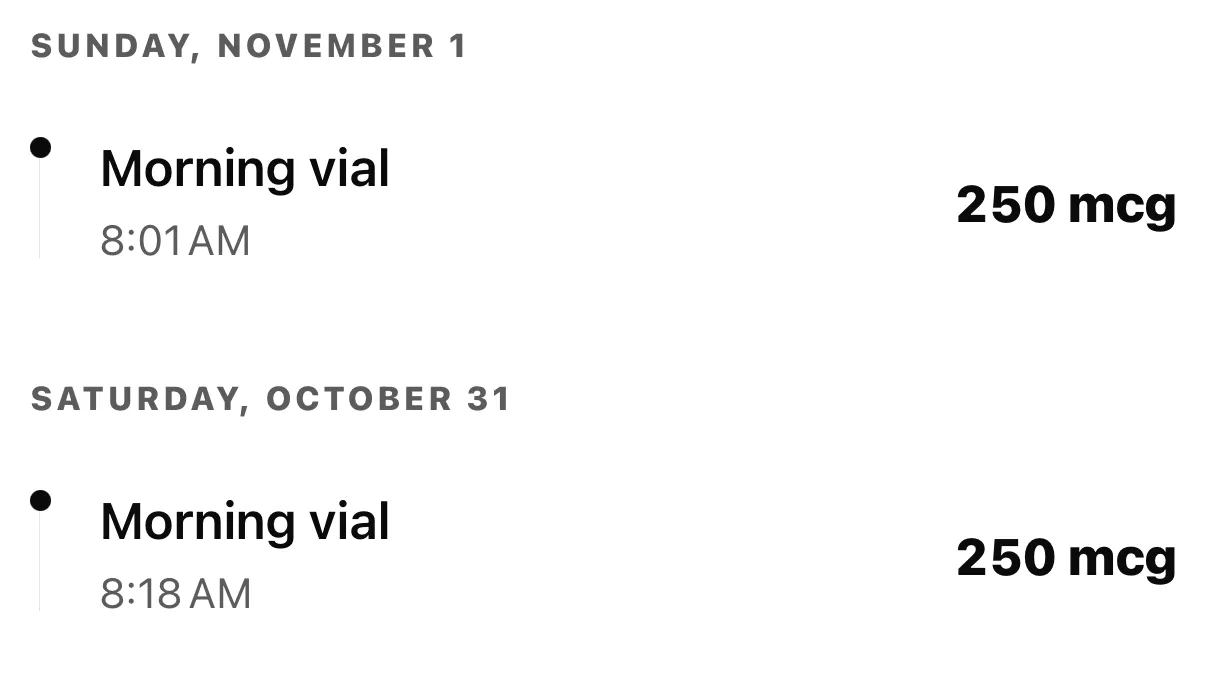
Example entries. No amount is recommended.
Look back through it.
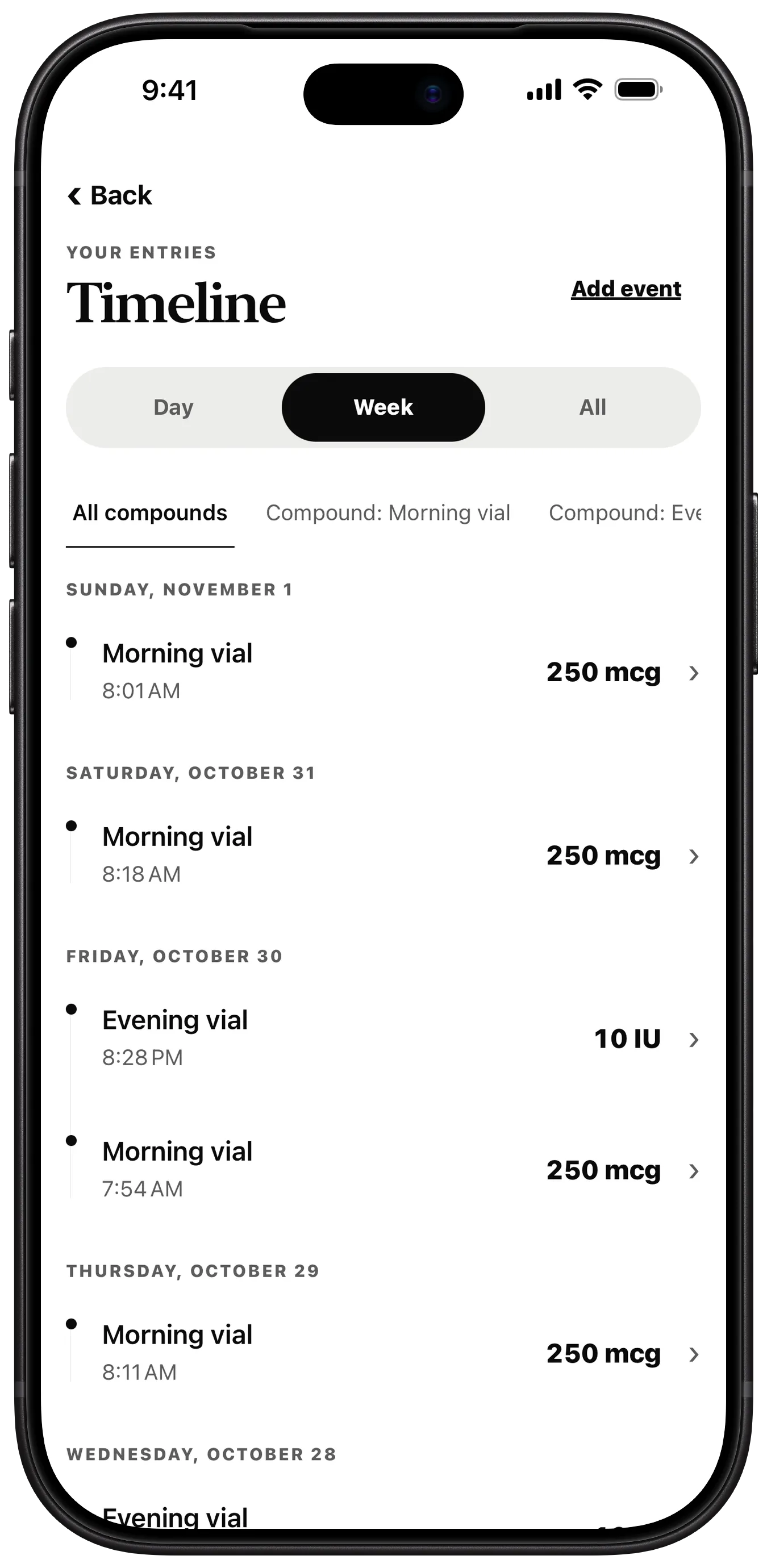
Every entry on one timeline, by day, by week or all at once, and filtered by label.
- Grouped by date, with the time and amount of each entry
- Filter to one label, or see them all together
- Open an entry to edit it in place
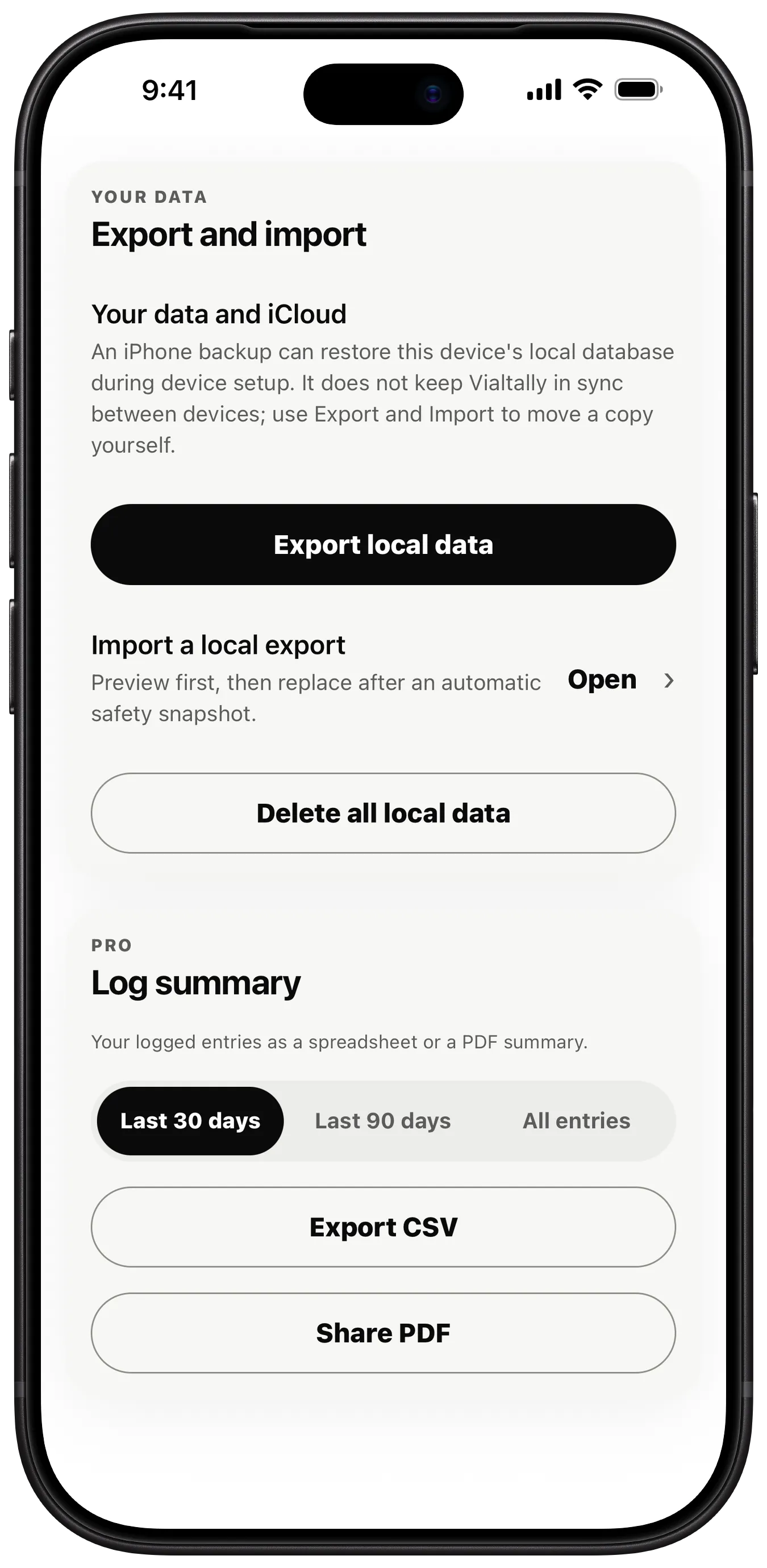
Export and import.
Save a copy of your data where you choose, and bring it back on this device or another.
- Export local data through the standard Files and share controls
- Import shows a preview first and saves a safety snapshot before replacing anything
- Delete all local data from the same screen
And the small things.
- Your labels
- Name each compound yourself, in the units you choose.
- Two free
- Track up to two compounds without a purchase; Pro removes the limit.
- Notes
- Add a private note to any entry.
- Sites
- Record the site with each entry. Pro shows when each was last used.
- Edit in place
- Fix an entry without deleting and re-entering it.
- On and off
- Cycle a schedule on for some days and off for others.
- iPad too
- The same app on iPad, with its own log on that device. iOS 16.4 or later.
- App language
- Choose an available app language in iPhone or iPad Settings.
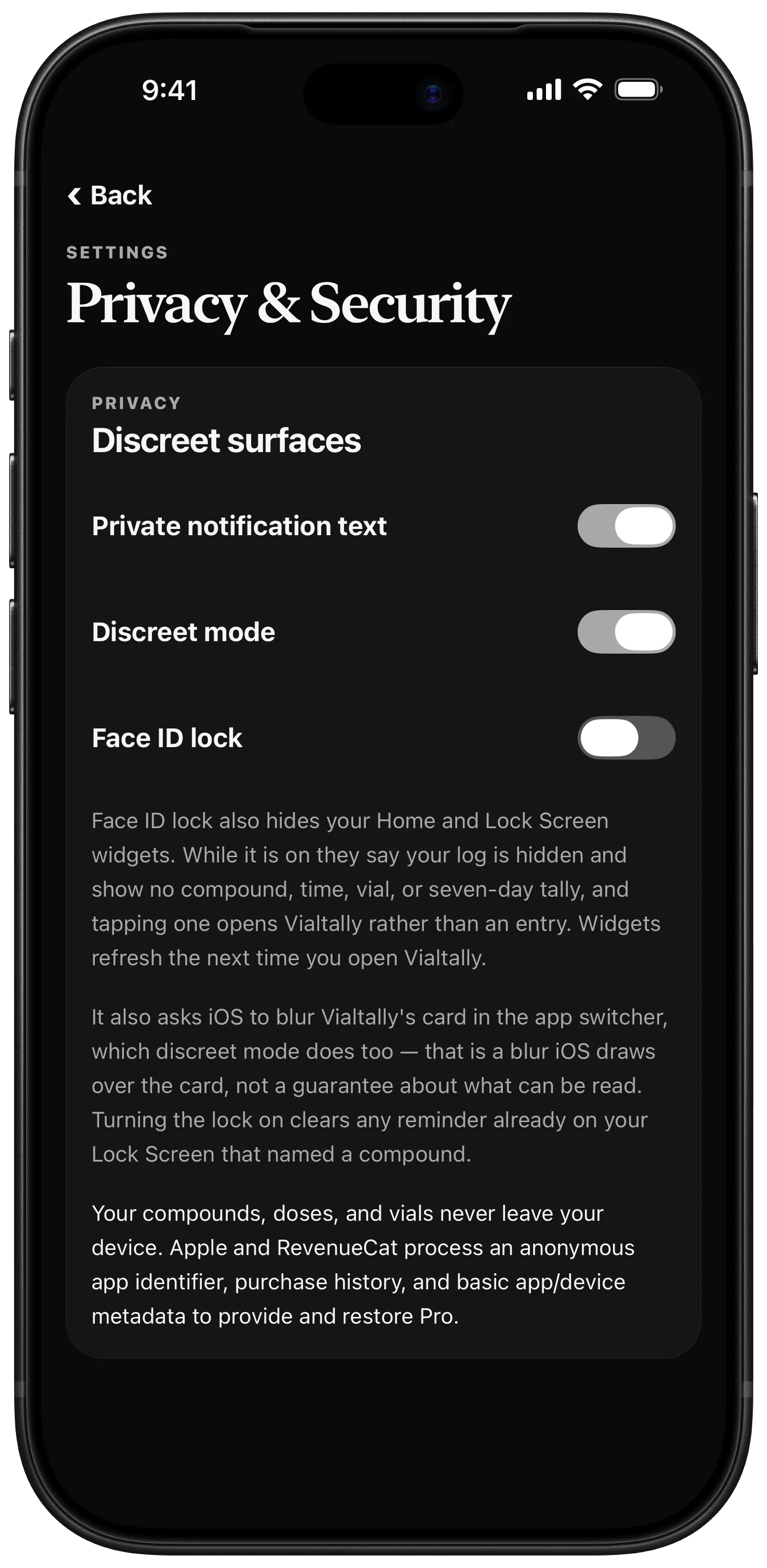
Private by design.
Private notification text, discreet mode and Face ID lock, and a log that never leaves the device.
How privacy works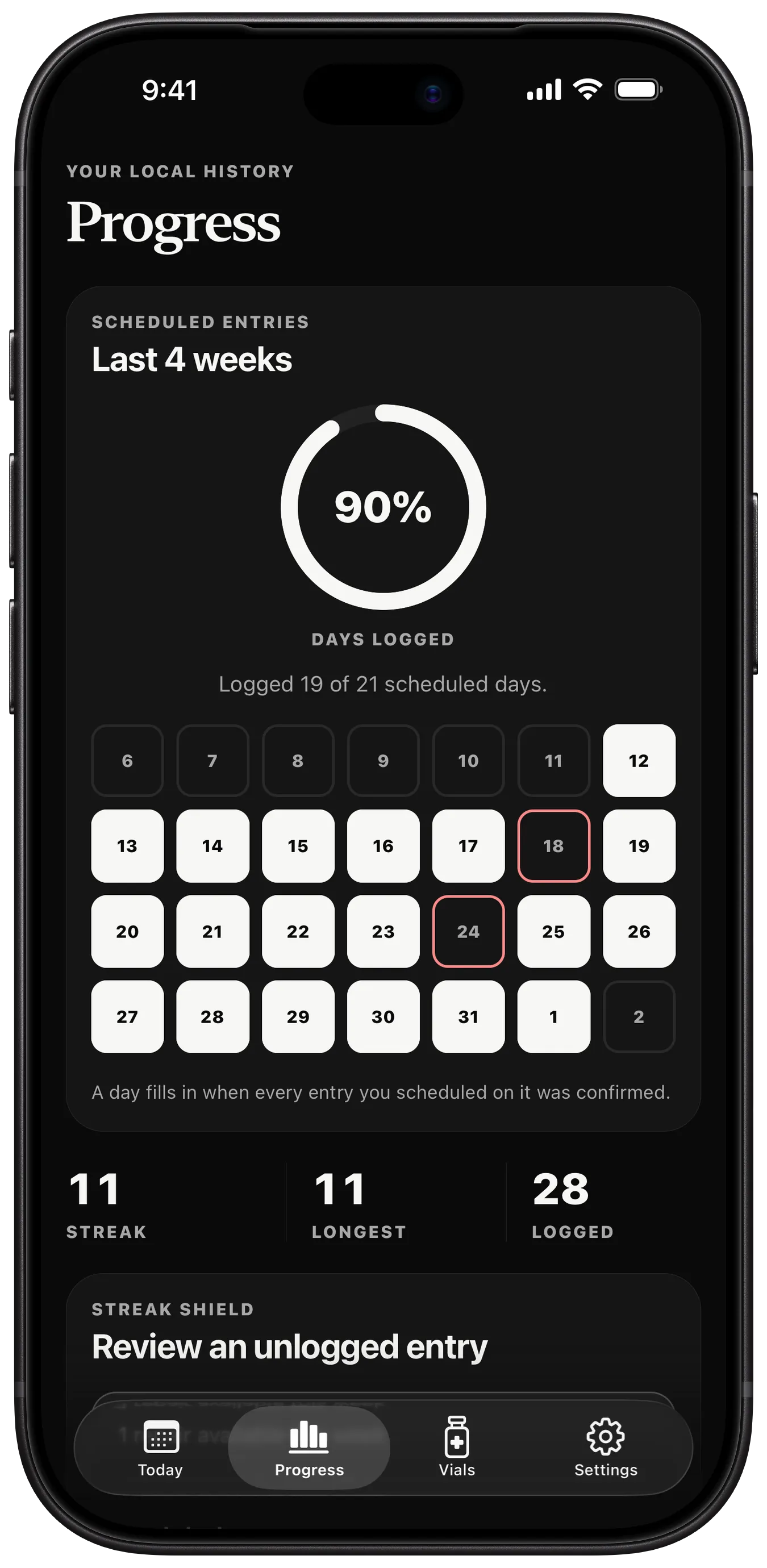
More with Pro.
Unlimited compounds, progress, site history, widgets and Log summary reports.
See what Pro adds