
Questions, answered.
21 answers about the app, your data, devices, Pro and reminders. Still stuck? Email josh@kovus.dev.

About the app
What is Vialtally?
Vialtally is a log, tracker and reminder for iPhone and iPad. Record the amounts and schedules you already use, keep your vial inventory together, and look back through your entries.
Does Vialtally tell me what to use, or how much?
The app supplies no compound names, amounts or schedules. It does not recommend what to use and does not sell or help you source any substance.
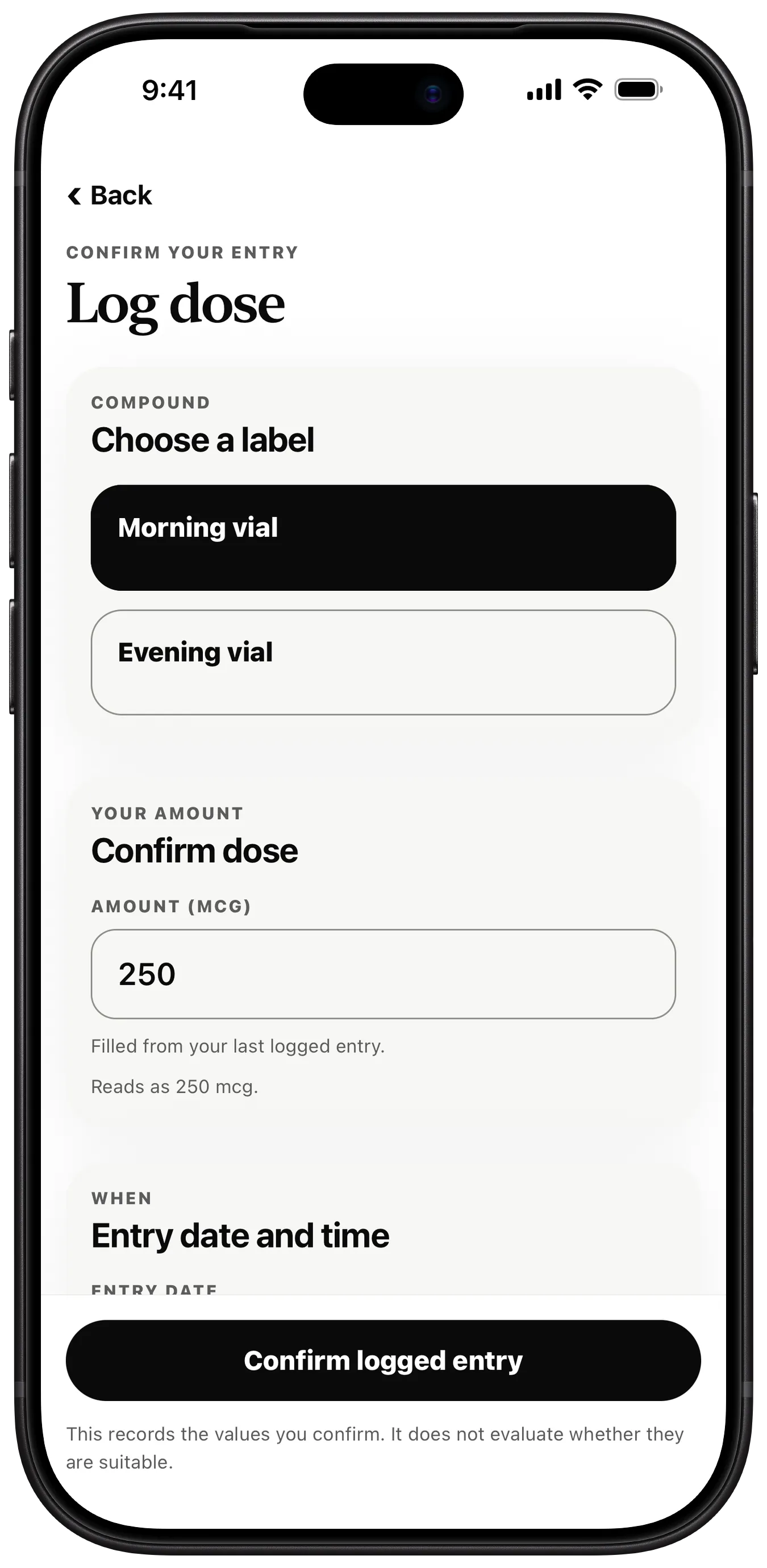
When you log an entry, it records the values you confirm. It does not evaluate whether they are suitable.
Is Vialtally medical advice?
This app is a log, tracker, and reminder. It does not provide medical advice or recommend an amount or schedule. Check with a healthcare professional before making medical decisions.
Which devices does it run on?
iPhone and iPad, on iOS or iPadOS 16.4 or later. It is free to download from the App Store.
Can I change the app language?
Open iPhone or iPad Settings, find Vialtally and select an available app language, then reopen Vialtally. Your saved labels and records are not translated.
Your data
Do I need an account?
No. There is no account system and no Kovus server for your log. Your records are stored in a database on the device itself.
What leaves my phone?
Your compounds, doses, and vials never leave your device. Apple and RevenueCat process an anonymous app identifier, purchase history, and basic app/device metadata to provide and restore Pro.
The app includes no analytics, advertising, session replay or remote crash-reporting SDK.
What shows on my Lock Screen?
By default a reminder reads "Dose scheduled today" with "Open your log to confirm the entry." You can choose to show your label instead. While Face ID lock is on, the text stays private and the app's widgets show nothing from your log.
What does Face ID lock hide?
Face ID lock also hides your Home and Lock Screen widgets. While it is on they say your log is hidden and show no compound, time, vial or seven-day tally, and tapping one opens Vialtally rather than an entry.
It also asks iOS to blur Vialtally's card in the app switcher, which discreet mode does too. That is a blur iOS draws over the card, not a guarantee about what can be read. Turning the lock on clears any reminder already on your Lock Screen that named a compound.
How do I delete my data?
You can remove records from inside the app, and the delete-all flow also clears the widget summary. Deleting the app removes its local data from the device, apart from any exports you saved and backups controlled by your Apple settings.
Devices and backups
Can I move my log to a new iPhone or iPad?
Each device keeps its own log and nothing syncs between them. In Vialtally Settings, use Export local data to save a copy, then Import a local export on the other device. Import shows a preview first and saves a safety snapshot before it replaces anything.
An iPhone or iPad backup can also restore this device's local database during device setup.
Does Vialtally sync through iCloud?
No. An iPhone or iPad backup can restore the local database during device setup, but it does not keep Vialtally in sync between devices. Use Export and Import to move a copy yourself.
Where can I save an export?
Export and import use Apple's standard Files and share controls. You can save an export into any Files location, including a cloud storage provider, or share it, and import a file you exported earlier.
Pro and purchases
What's free, and what does Pro add?
Core tracking works without a purchase: up to two tracked compounds, logging and editing entries, schedules, local reminders, full history and data export. Pro adds unlimited tracked compounds, progress analytics, site history, widgets and Log summary reports (CSV and PDF).
Is there a free trial?
If Apple confirms eligibility and shows the offer, Annual may include a 7-day free trial. Monthly and Lifetime have no trial. The app shows the full price and billing period before you confirm. Cancel at least 24 hours before the trial ends to avoid being charged.
How do I restore Pro?
Choose Restore purchases on the paywall or in Vialtally Settings, using the same Apple Account you bought with.
How do I cancel a subscription?
In Vialtally Settings, choose Manage or cancel, then Continue to Apple subscriptions. Or open iPhone or iPad Settings, tap your Apple Account name, then Subscriptions and Vialtally. Subscriptions renew automatically unless cancelled at least 24 hours before the current period ends.
I subscribe already. What happens if I buy Lifetime?
Buying Lifetime does not cancel your subscription for you. Cancel it in Apple subscriptions.
What happens to my records if Pro ends?
Your records stay viewable and exportable. To use Pro again, buy it again, or choose Restore purchases with the Apple Account you bought it with.
Reminders
How do reminders work?
Once you turn reminders on, they follow the cadence you entered (weekly, every few days, on chosen weekdays, or in on and off cycles) and are scheduled on the device itself.
My reminders aren't arriving. What should I check?
If notification permission was not granted, open the iPhone or iPad Settings app, allow notifications for Vialtally, then turn reminders on again. iOS only asks for permission once, so check it in Settings.
Need a hand?
The support page covers restoring and cancelling Pro, purchase messages, reminders, export and import.